
Data Recovery
Data Recovery Services UK
Losing access to important files can happen without warning. A hard drive may suddenly stop working, an SSD may no longer appear on your computer, or important documents may be deleted accidentally. In some cases, a storage device can become corrupted after a power failure, physical damage, malware infection or hardware fault.
i-Tech Business Group UK LTD provides Data Recovery Services UK for individuals and businesses that need professional help recovering lost, deleted or inaccessible information from digital storage devices.
Whether your hard drive is not recognised, your laptop will not boot, an external drive is making unusual clicking sounds, or files have disappeared after formatting, the right approach is important. Continuing to use a failing storage device can potentially make the situation worse.
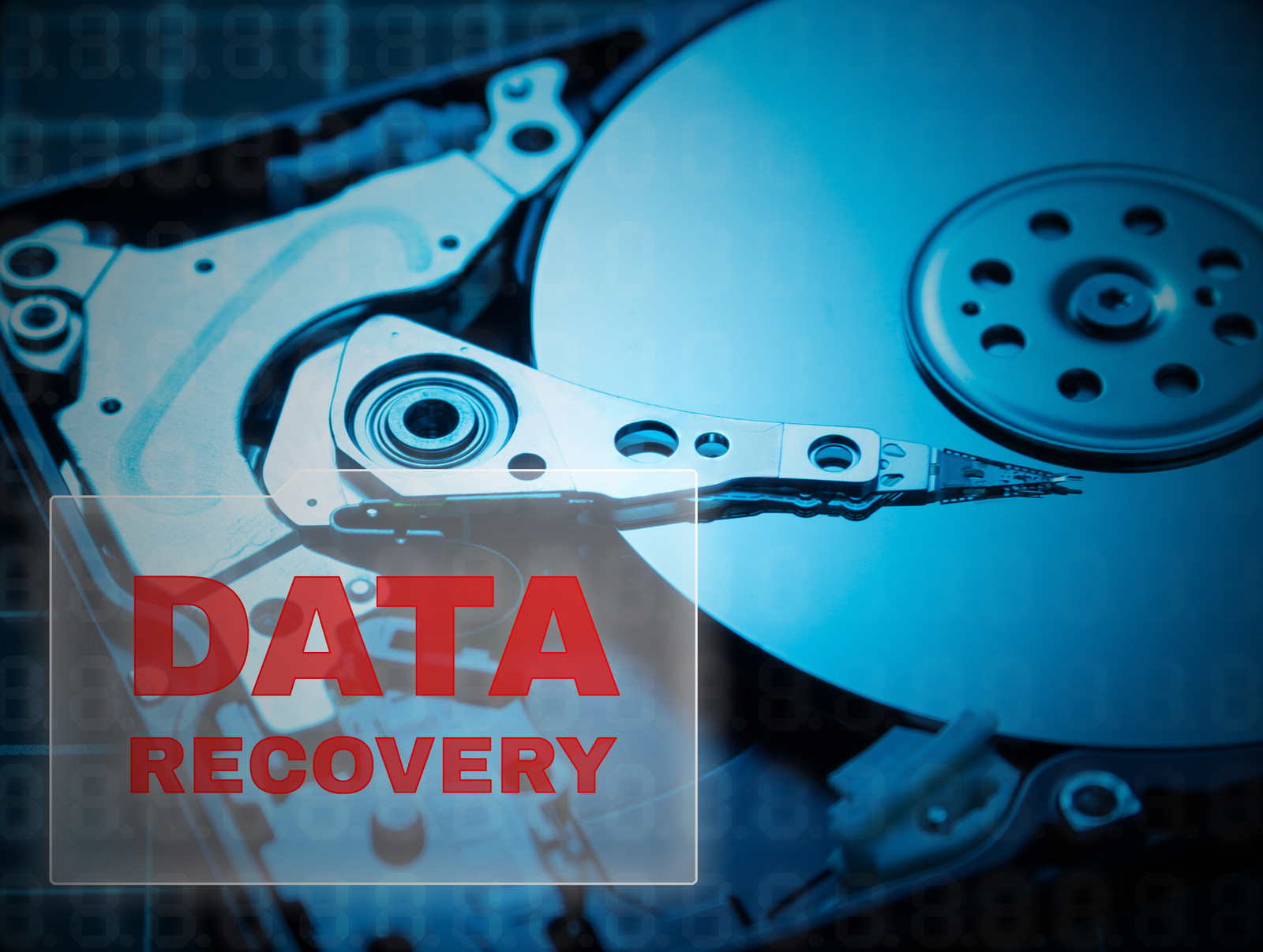
Professional Data Recovery UK for Individuals and Businesses
Data can be lost in many different ways. Sometimes files have simply been deleted. In other situations, the storage device itself may have suffered a logical or physical failure.
Professional data recovery can involve examining the storage media, identifying the type of failure and using appropriate recovery techniques to retrieve accessible information while avoiding unnecessary changes to the original device.
Our data recovery UK services can help with a range of storage devices and situations, including:
- Hard disk drives (HDDs)
- Solid state drives (SSDs)
- External hard drives
- Laptops and desktop computers
- USB flash drives
- SD and memory cards
- RAID systems
- Servers and business storage
- Corrupted or inaccessible drives
- Accidentally deleted files
- Formatted storage devices
Hard Drive Data Recovery UK
Hard drives can develop both logical and physical problems.
A traditional HDD contains mechanical components that can wear out or become damaged. If the drive starts making unusual noises, becomes extremely slow, repeatedly disconnects or disappears from the operating system, it is sensible to stop unnecessary use and seek professional advice.
Our hard drive data recovery UK service is intended for situations such as:
- Hard drive not recognised
- Hard drive not detected
- Hard drive clicking
- Failed hard drive
- Corrupted hard drive
- Damaged hard drive
- Accidental file deletion
- Formatted hard drive
- Partition problems
- File system corruption
- External hard drive failure
Is your hard drive clicking?
A clicking hard drive should not be treated like a normal software problem.
Repeated clicking, grinding or unusual mechanical sounds can indicate a hardware problem. Running recovery software repeatedly or continuing to operate the drive may place additional stress on an already failing device.
If the information is important, consider switching the device off and getting it assessed before attempting further recovery.
SSD Data Recovery UK
SSDs work differently from traditional mechanical hard drives. They use flash memory and controllers rather than spinning platters and moving read/write heads.
This means SSD failures can present differently.
For example, an SSD may suddenly:
- Stop appearing in BIOS or Windows
- Become read only
- Fail to boot
- Show incorrect capacity
- Become inaccessible
- Experience controller or firmware related problems
- Develop file system corruption
SSD data recovery UK can be more technically complex because modern SSDs can use technologies such as flash translation layers, wear levelling and other mechanisms that affect how information is stored and accessed.
A storage device that is no longer detected should therefore be handled carefully rather than repeatedly reformatted or initialised.
Laptop Data Recovery UK
A laptop failure does not necessarily mean that your files are permanently lost.
Your laptop may have stopped starting because of a storage failure, operating system problem, accidental deletion or another hardware issue.
Our laptop data recovery UK service can help when important files are inaccessible from a laptop's internal storage.
Typical situations include:
- Laptop will not boot
- Laptop hard drive failure
- Laptop SSD failure
- Deleted documents
- Corrupted Windows installation
- Damaged internal storage
- Accidental formatting
- Files inaccessible after a system failure
If your laptop contains important work, photographs, university projects, business documents or other irreplaceable information, avoid unnecessary troubleshooting that could overwrite or alter the original data.
External Hard Drive Data Recovery
External hard drives are commonly used for storing backups, photographs, videos, business files and large projects.
Because they are portable, they can also be exposed to drops, impacts, liquid damage, cable problems and power related issues.
External hard drive data recovery may be required when:
- The drive is not detected
- Windows asks you to format the drive
- Files have disappeared
- The drive suddenly disconnects
- The drive has been dropped
- The drive makes unusual sounds
- The file system has become corrupted
- The enclosure or connection has failed
If Windows displays a message asking you to format a drive containing important files, do not automatically click Format. Formatting can change the structure of the storage device and may complicate subsequent recovery.
Deleted File Recovery
Accidentally deleted files are one of the most common reasons people look for data recovery.
You might accidentally delete:
- Photos
- Videos
- Word documents
- Excel spreadsheets
- PDFs
- Business records
- Project files
- Emails
- Folders
If the files are no longer available through these options, professional deleted file recovery may be worth considering.
The most important principle is to avoid writing new data to the affected storage device unnecessarily. New data can overwrite areas that previously contained deleted information.
Corrupted Hard Drive Recovery
A corrupted drive can sometimes still contain the underlying data even though the operating system cannot read it correctly.
Signs of corruption can include:
- Missing files or folders
- Incorrect file names
- Error messages when opening files
- A drive appearing as RAW
- Windows asking you to format the drive
- Very slow access
- Files becoming unreadable
- Partitions disappearing
Corrupted hard drive recovery requires identifying whether the issue is related to the file system, partition structure, hardware or another underlying problem.
The correct recovery method depends on the condition of the device
Formatted Hard Drive Recovery
Formatting a hard drive does not automatically mean that every piece of data has disappeared immediately.
However, recovery possibilities depend heavily on what type of formatting occurred, the storage technology involved and whether new information has subsequently been written to the device.
If you have accidentally formatted a drive containing important information:
1. Stop using the drive. 2. Do not save new files to it. 3. Avoid reinstalling software onto the affected drive. 4. Do not repeatedly attempt different recovery tools. 5. Seek professional assessment if the information is important.
This is particularly important when the device contains business critical or irreplaceable information.
USB and SD Card Data Recovery
Small storage devices are convenient but can also fail unexpectedly.
Our recovery services can assist with USB data recovery and SD card data recovery where files have become inaccessible because of deletion, corruption, formatting or device problems.
Common examples include:
- USB not recognised
- SD card not detected
- Camera memory card errors
- Accidentally deleted photographs
- Corrupted memory cards
- Formatted SD cards
- Damaged USB storage
If a memory card contains important photographs or videos, avoid taking additional photographs on the same card until the situation has been assessed.
RAID and Server Data Recovery UK
Businesses often rely on RAID arrays and servers to store operational data. When multiple drives, controllers, file systems or other components experience problems, recovery can become significantly more complicated.
RAID data recovery and server data recovery may involve examining the configuration and understanding how the original data was distributed across the storage system.
Potential situations include:
- RAID failure
- Multiple failed drives
- RAID rebuild problems
- Server storage failure
- Database corruption
- Deleted business data
- File system corruption
- Storage controller failure
- Inaccessible server volumes
Business Data Recovery
For businesses, lost data can affect day to day operations.
Important information may include:
- Customer records
- Accounting files
- Databases
- Contracts
- Project documents
- Emails
- Website files
- Employee documents
- Stock and inventory records
Data recovery should not replace a reliable backup strategy. It is a response to data loss, whereas backups are designed to reduce the impact of that loss.
What Causes Data Loss?
Data loss can have many causes. Some are relatively simple to resolve, while others require specialist techniques.
Common causes include:
Accidental Deletion
Files or folders may be deleted unintentionally.
Hardware Failure
HDDs, SSDs and other storage devices can fail because of component problems or normal wear.
Physical Damage
A drive may be damaged after being dropped, exposed to liquid, fire or other physical conditions.
File System Corruption
Incorrect shutdowns, software problems or hardware faults can make stored data inaccessible.
Formatting
A drive may be formatted accidentally or during an incorrect installation process.
Power Problems
Unexpected power loss can sometimes result in corrupted data or storage device problems.
What Should You Do When a Hard Drive Fails?
If your hard drive is not detected, the safest response depends on how important the data is.
If the data is important:
Stop unnecessary use of the device.
Do not format the drive.
Do not initialise an unknown drive if Windows asks you to.
Do not repeatedly run repair utilities.
Do not install recovery software onto the affected drive.
Keep the original device available for assessment.
Our Data Recovery Process
A professional recovery process should begin with assessment rather than immediately attempting to extract files.
01
Initial Assessment
We discuss what happened and what information you need to recover.
02
Device Assessment
The storage device is examined to understand the likely cause of the problem.
03
Recovery Plan
The appropriate recovery approach is determined based on the device and failure type.
04
Data Recovery
Recovery work is performed using suitable techniques for the specific situation.
05
Data Verification
Recovered files should be checked where possible to determine whether the expected information is accessible.
06
Secure Return
Once the recovery process is complete, recovered information can be transferred to appropriate storage.
Why Choose i-Tech Business Group UK LTD?
When choosing data recovery specialists UK, the most important consideration is how carefully your storage device and information will be handled.
At i-Tech Business Group UK LTD, our approach focuses on:
- Professional assessment
- Clear communication
- Careful handling of storage devices
- Recovery based on the type of failure
- Support for individuals and businesses
- HDD and SSD recovery
- External storage recovery
- USB and SD card recovery
- RAID and server recovery
- Confidential handling of business information
Every recovery situation is different. Instead of assuming that one recovery method will work for every device, the first step should be understanding what has happened to your storage media.
FAQs
Frequently Asked Questions
Can data be recovered from a failed hard drive?
In some cases, yes. The possibility depends on the type and severity of the failure. Logical problems can differ significantly from mechanical or electronic damage, so an assessment is normally required before determining the appropriate recovery approach.
Can I recover files from a formatted hard drive?
Sometimes. Recovery possibilities depend on the type of formatting, storage technology and whether new data has overwritten the previous information. Stop using the drive if the lost information is important.
What should I do if my hard drive is clicking?
Stop unnecessary use and seek professional advice. Clicking can indicate a mechanical problem, and continued operation may potentially make a physical failure worse.
Can you recover data from an SSD?
SSD recovery can be possible, but SSDs use different storage technologies from traditional hard drives. Controller, firmware, NAND and other factors can affect whether and how information can be recovered.
Can deleted files be recovered?
Sometimes. If deleted information has not been overwritten, recovery may be possible. Check your Recycle Bin and backups first, and avoid saving new information to the affected storage device.