
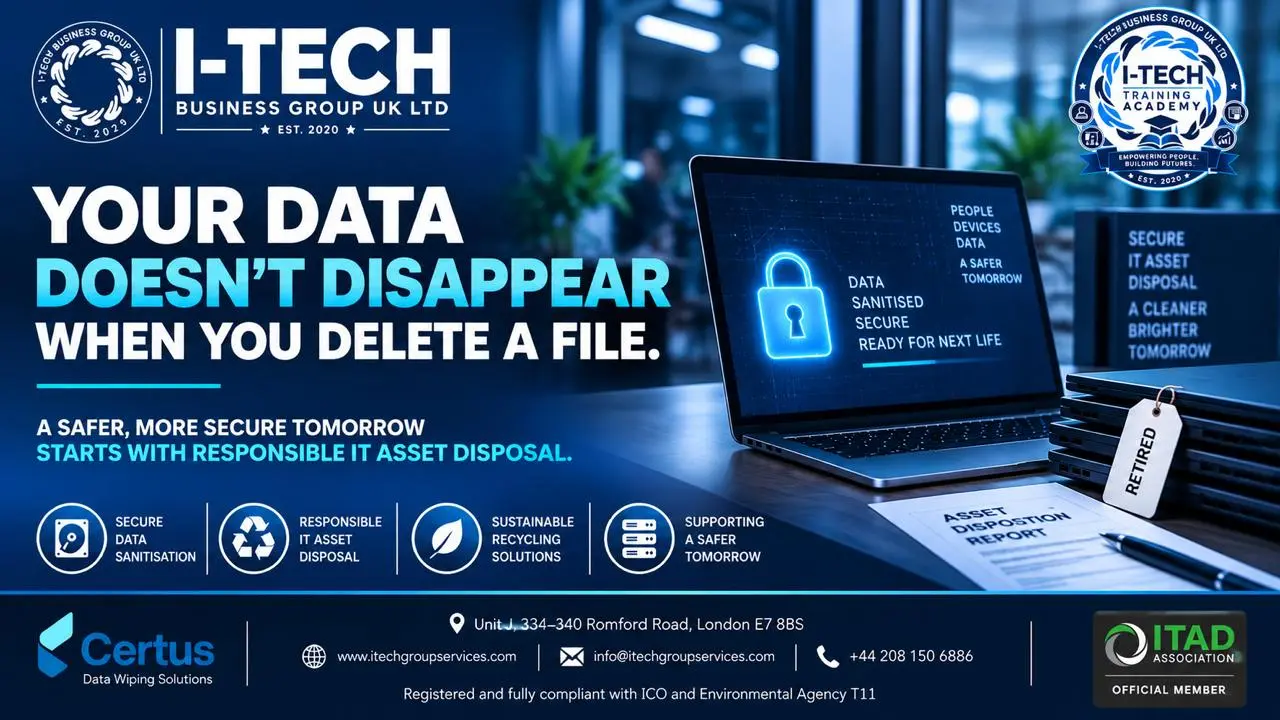
Your Old IT Equipment Is Not the End of the Story: What Happens to Business Data After a Device Leaves Your Desk?
BY i-Tech Business Group UK LTD
Your Old IT Equipment Is Not the End of the Story: What Happens to Business Data After a Device Leaves Your Desk?
o We replace laptops.
o We upgrade servers.
o We refresh desktops.
o We retire phones.
o We clear offices.
But there is one question organisations often forget to ask:
What happens to the data when the equipment leaves the building?
That is where the real story begins.
A laptop may have reached the end of its useful life for one organisation, but that does not necessarily mean its information has reached the end of its lifecycle.
It may still contain documents, emails, customer information, employee records, passwords, browser data, cached credentials, photographs, financial information or commercially sensitive files.
And simply deleting those files does not necessarily mean the information has disappeared.
“I deleted everything” is not the same as “the data has been securely sanitised”
This is one of the most common assumptions surrounding retired IT equipment.
o A folder is deleted.
o The Recycle Bin is emptied.
o The device is reset.
o The operating system is reinstalled.
o The laptop looks clean.
o It is then passed to a recycler, reseller, employee, contractor or another organisation.
The assumption becomes:
“There is no data on it anymore.”
But secure data sanitisation requires more than making a device look empty.
The more important question is:
Can the information be recovered?
That distinction matters.
“Think about your organisation's last 100 retired devices”
Imagine your organisation replaced 100 laptops last year.
What happened to them?
Were they:
o Stored in a cupboard?
o Collected by a third party?
o Sent to a recycler?
o Sold for reuse?
o Donated?
o Returned to a leasing company?
o Transferred between departments?
o Processed as WEEE?
Now ask the more difficult question:
Can you demonstrate what happened to every single device?
o Not approximately.
o Not “our supplier normally handles it.”
o Not “we have always used the same company.”
o But device by device.
o Asset by asset.
o Serial number by serial number.
That is where proper IT asset disposition becomes much more than recycling.
The missing link: accountability
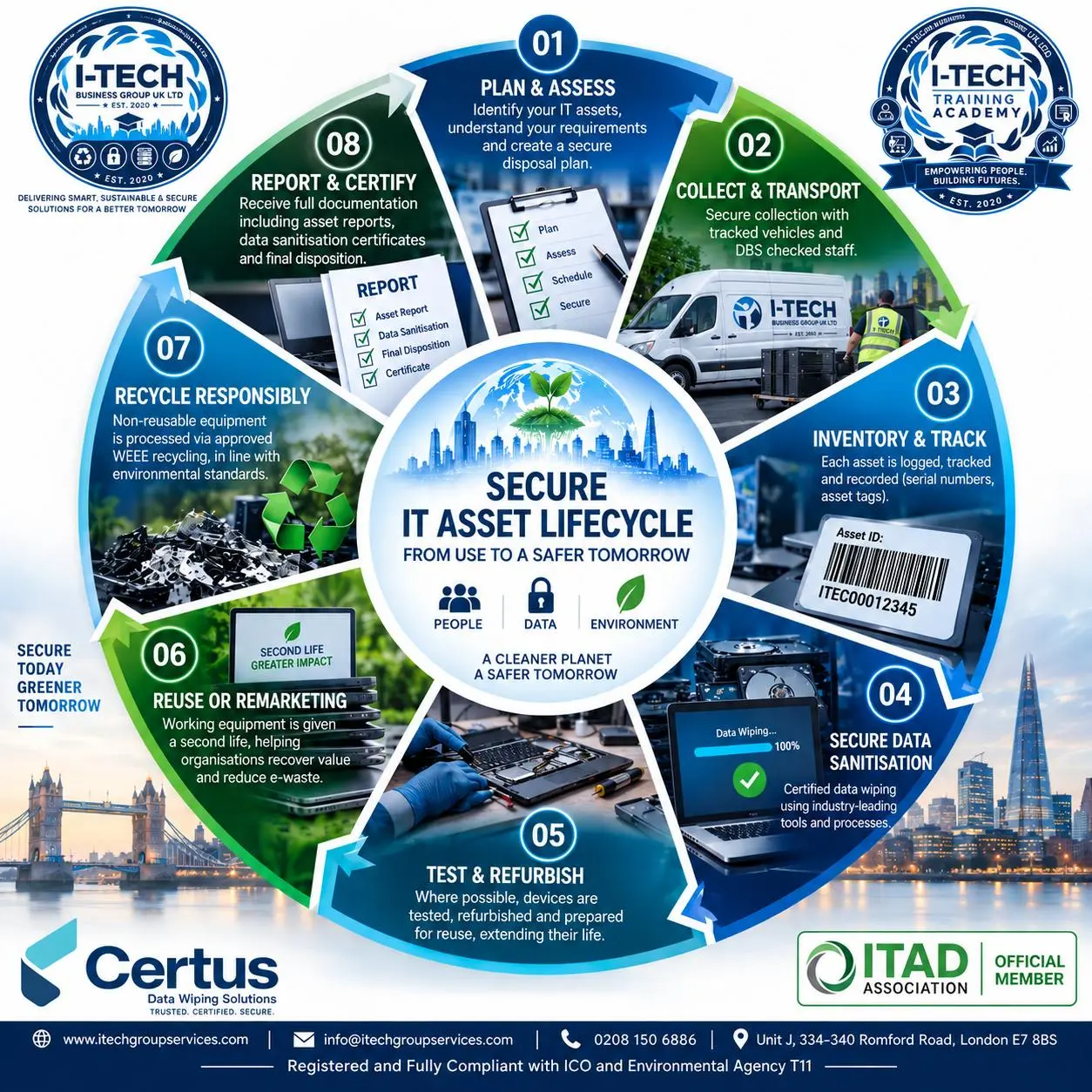
A properly managed IT asset disposal process should create a clear chain of accountability.
An organisation should be able to establish:
o What was collected?
o When was it collected?
o Who collected it?
o Where was it processed?
o What happened to the data bearing components?
o Was the data sanitised?
o What evidence was produced?
o Was the equipment reused, remarketed or recycled?
These questions become particularly important when organisations handle personal, financial, educational, healthcare or commercially sensitive information.
The objective is not simply to remove equipment from a building.
It is to maintain control over the asset and its information throughout the disposal journey.
The asset itself is only half the story
A laptop might have limited financial value at the end of its corporate life.
The information associated with that laptop may have far greater operational, financial or reputational significance.
That is why organisations should avoid thinking about retired IT equipment simply as “old hardware.”
o A retired laptop can simultaneously be:
o An asset.
o A data bearing device.
o A security consideration.
o An environmental responsibility.
o And potentially:
o A compliance consideration.
o The physical device may be worth relatively little.
o The information stored on it could be considerably more valuable.
Reuse and security do not have to be enemies
There is another important misconception:
Secure data sanitisation does not automatically mean destroying the hardware.
Where equipment remains suitable for further use, secure sanitisation can form part of a responsible reuse strategy.
That can create a more circular lifecycle:
Deploy → Use → Maintain → Securely Sanitise → Reuse → Recycle
Rather than:
Deploy → Use → Throw Away
This matters because extending the useful life of technology can help organisations reduce unnecessary electronic waste while potentially recovering value from retired equipment.
But reuse should never come at the expense of information security.
The data must be dealt with first.
What should an organisation receive at the end?
This is one question we encourage IT managers, procurement teams and business owners to ask their ITAD provider before equipment is collected:
“What evidence will you give me?”
A professional disposal process should not simply end with:
“Your equipment has been collected.”
Depending on the agreed service and equipment involved, appropriate documentation and traceability may include:
o Asset identification
o Serial numbers
o Collection records
o Processing status
o Data sanitisation results
o Sanitisation reports
o Recycling information
o Remarketing information
o Exceptions or failed processing
o Final disposition
The exact documentation will depend on the organisation, equipment and agreed process.
But the principle is simple:
If you cannot demonstrate what happened to an asset, you have a gap in your asset lifecycle visibility.
Five questions to ask before your next IT refresh
Before your next laptop refresh, server replacement or office clearance, ask these five questions.
1. Where will the equipment go?
Do not wait until collection day to work this out.
Understand the intended journey before the equipment leaves your site.
2. What happens to the data?
Ask how data bearing devices will be sanitised.
Do not rely solely on a general assurance that equipment will be “wiped.”
3. Can every asset be tracked?
A pallet or box of laptops is not an asset register.
Ask how individual assets will be identified and tracked.
4. What evidence will we receive?
Documentation should be part of the procurement conversation — not an afterthought.
5. What happens after sanitisation?
Will the equipment be reused, remarketed, recycled or otherwise processed?
Understanding the complete journey gives organisations greater visibility and control.
What we have learned working around IT equipment
At I-Tech Business Group UK Ltd, our view is straightforward:
IT equipment does not stop being important when an employee stops using it.
In many respects, that is when organisations need to become even more careful.
The final stage of an IT asset’s lifecycle can influence whether an organisation is able to:
o Protect information
o Maintain asset visibility
o Recover value
o Reduce unnecessary waste
o Demonstrate responsible processing
o Understand what happened to its equipment
Or whether the organisation simply loses sight of the asset once it leaves the premises.
And once equipment leaves your site, visibility can become considerably harder.
A challenge for IT managers
Here is something worth doing this month.
Pick 10 retired devices from your organisation.
Choose laptops, desktops, hard drives, servers or other data bearing equipment.
Then ask:
“Can we prove what happened to every one of these devices?”
Not just where they went.
Not just who collected them.
But what happened from collection through final processing.
If you can answer confidently, that demonstrates a strong level of lifecycle visibility.
If you cannot, that is not necessarily a failure.
It may simply reveal an opportunity to strengthen your process.
Let's start a conversation
The IT industry spends enormous amounts of time discussing cybersecurity, cloud security, endpoint protection, identity management and data breaches.
But sometimes the conversation should begin with something much simpler:
What happens to the laptop when you no longer need it?
We would genuinely like to hear from:
o IT professionals.
o Cybersecurity specialists.
o Procurement teams.
o Sustainability managers.
o Business owners.
o What is the biggest challenge your organisation faces when retiring IT equipment?
o Data security?
o Asset tracking?
o Finding a trustworthy ITAD partner?
o Recycling?
o Getting proper documentation?
o Recovering value from old equipment?
Or something completely different?
Share your experience in the comments.
The most valuable conversations in our industry often come from people sharing what happens inside their organisations — not simply repeating what a policy document says.
About I-Tech Business Group UK Ltd
I-Tech Business Group UK Ltd provides IT asset disposal, secure data sanitisation, IT recycling, WEEE processing, data recovery and related IT services for organisations managing technology throughout its lifecycle.
Our approach is built around security, traceability, responsible processing and practical asset lifecycle management.
Website: www.itechgroupservices.com
Email: info@itechgroupservices.com
Telephone: 0208 150 6886
Address: Unit J, 334–340 Romford Road, London E7 8BS
Your equipment may be old.
Your data isn’t.
“Your Old IT Equipment Is Not the End of the Story”
What Happens to Business Data After a Device Leaves Your Desk?